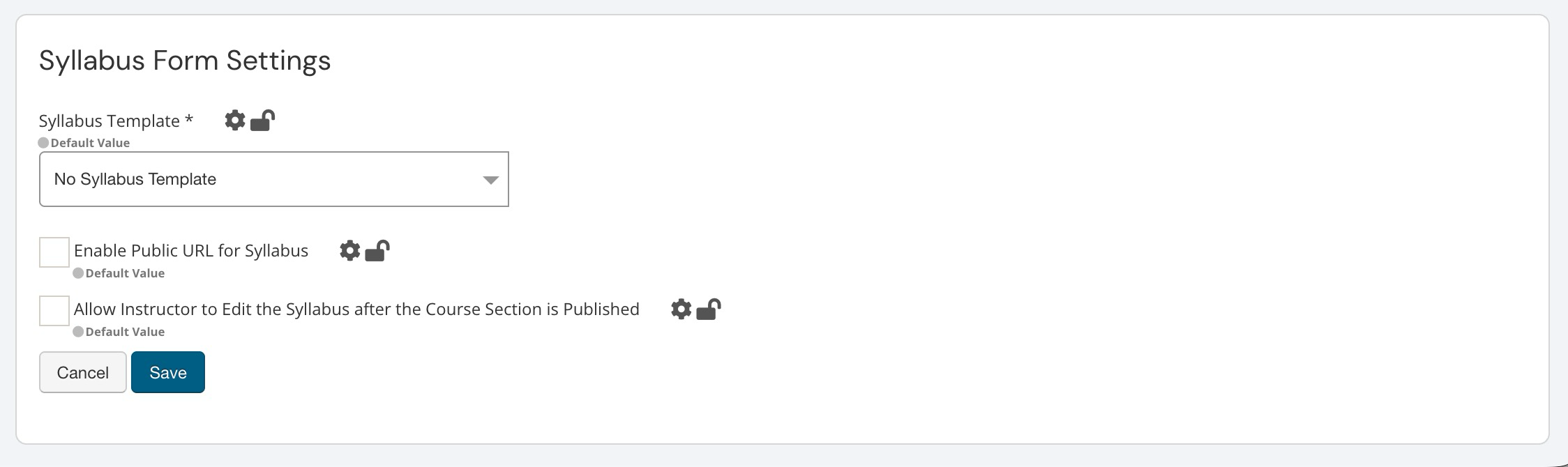
Program Settings in the Organizational Hierarchy can be configured at all levels and are inherited downward, with the option to lock configurations to prevent changes at lower levels. These settings are accessed at all hierarchy levels from the record’s homepage, as shown below at the Institution level. For example, navigating to Main Menu > Departments and selecting a department displays the Department Homepage; from the homepage, Program Settings is accessible via the left-hand menu.
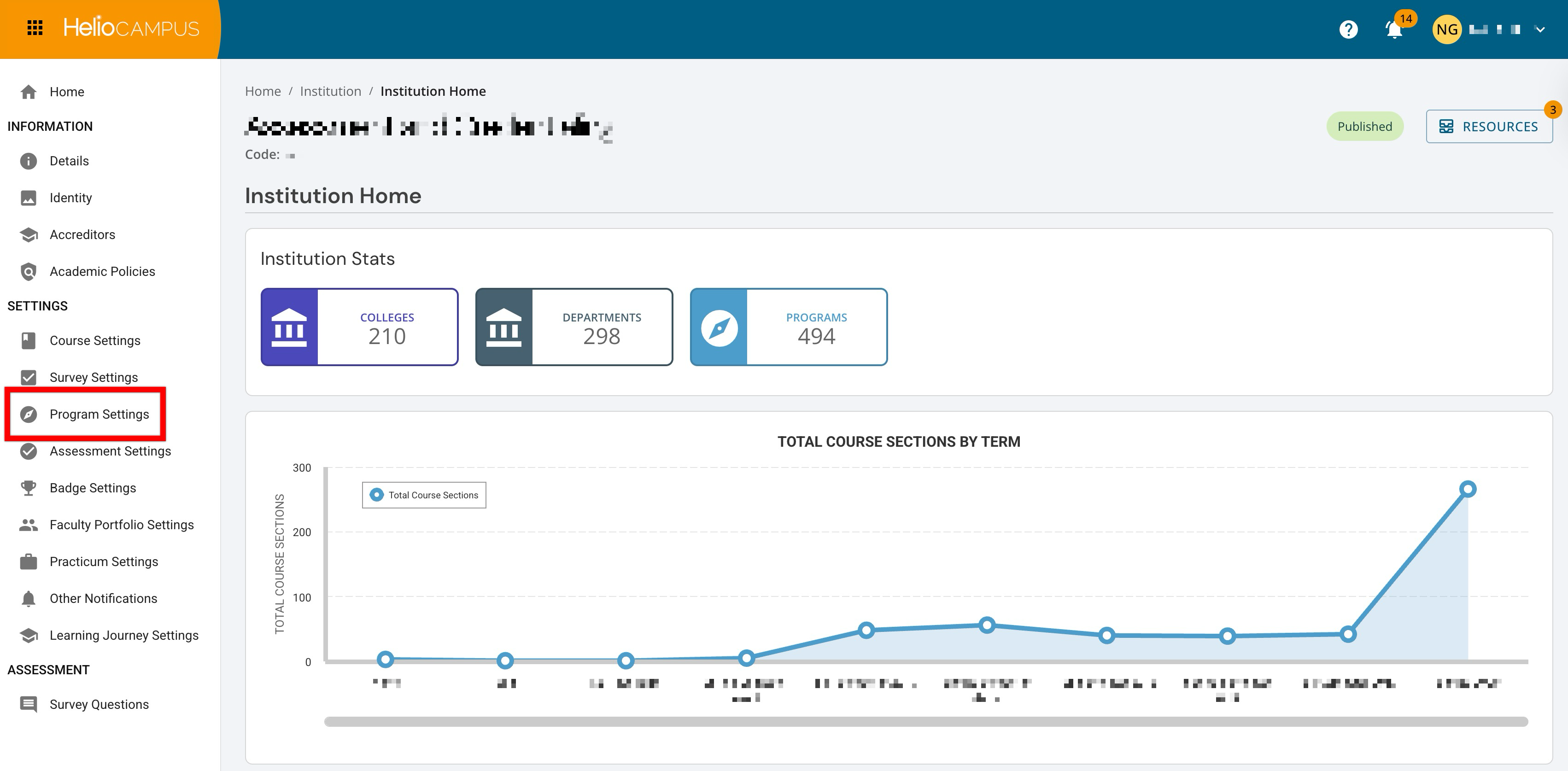
Although hierarchical Program Settings appear together on a single platform page for each level, this knowledge base organizes these settings into the categories below to provide the most accurate and actionable guidance.
Program Creation Settings
Use these settings to control who can create, edit, and revise programs. These settings define the roles responsible for maintaining program records, support consistent governance across the Organizational Hierarchy, and reduce the risk of unintended changes. Once configured, program management can be scaled with clearer ownership and a more predictable workflow, especially as new programs are added or existing programs go through revision cycles. Learn more.
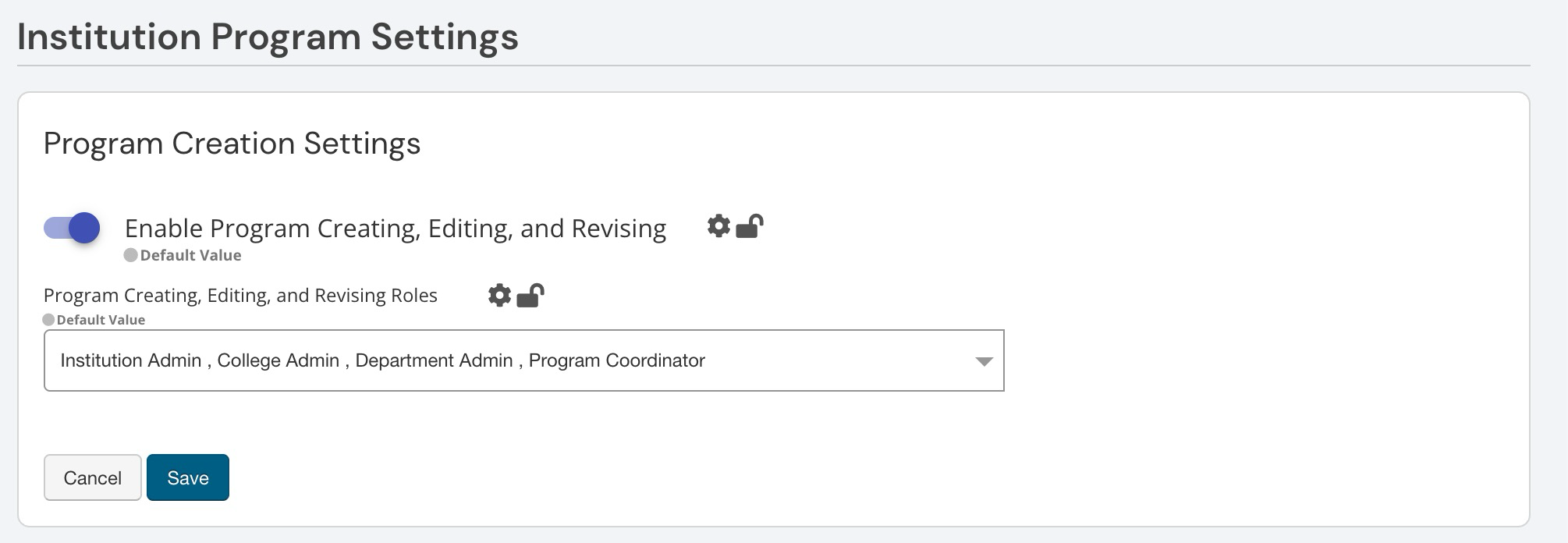
Outcome Mapping and Measurement
Choose whether programs will be structured around Student Outcomes or Student Outcome Learning Indicators, which affects how outcomes are built, mapped, and measured across the platform. Because this choice influences downstream work like curriculum mapping and reporting, it is an important early decision that helps keep program assessment consistent and scalable as programs evolve. Learn more.
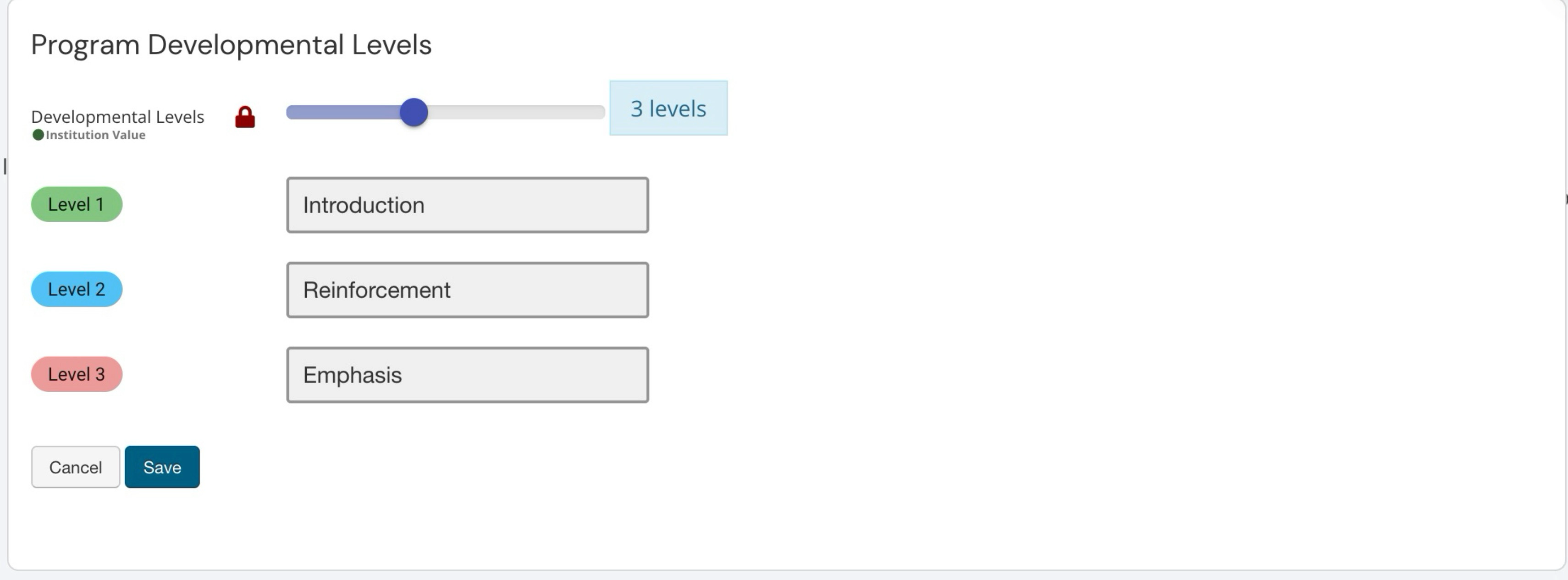
Program Developmental Levels
Developmental levels define how outcomes progress across a program, from early exposure to more advanced application. Naming these levels creates a consistent way to tag curriculum mapping and support clearer, more meaningful reporting on where and how students are developing over time. Levels are especially useful when multiple programs and units need to align on what progression looks like. Learn more.
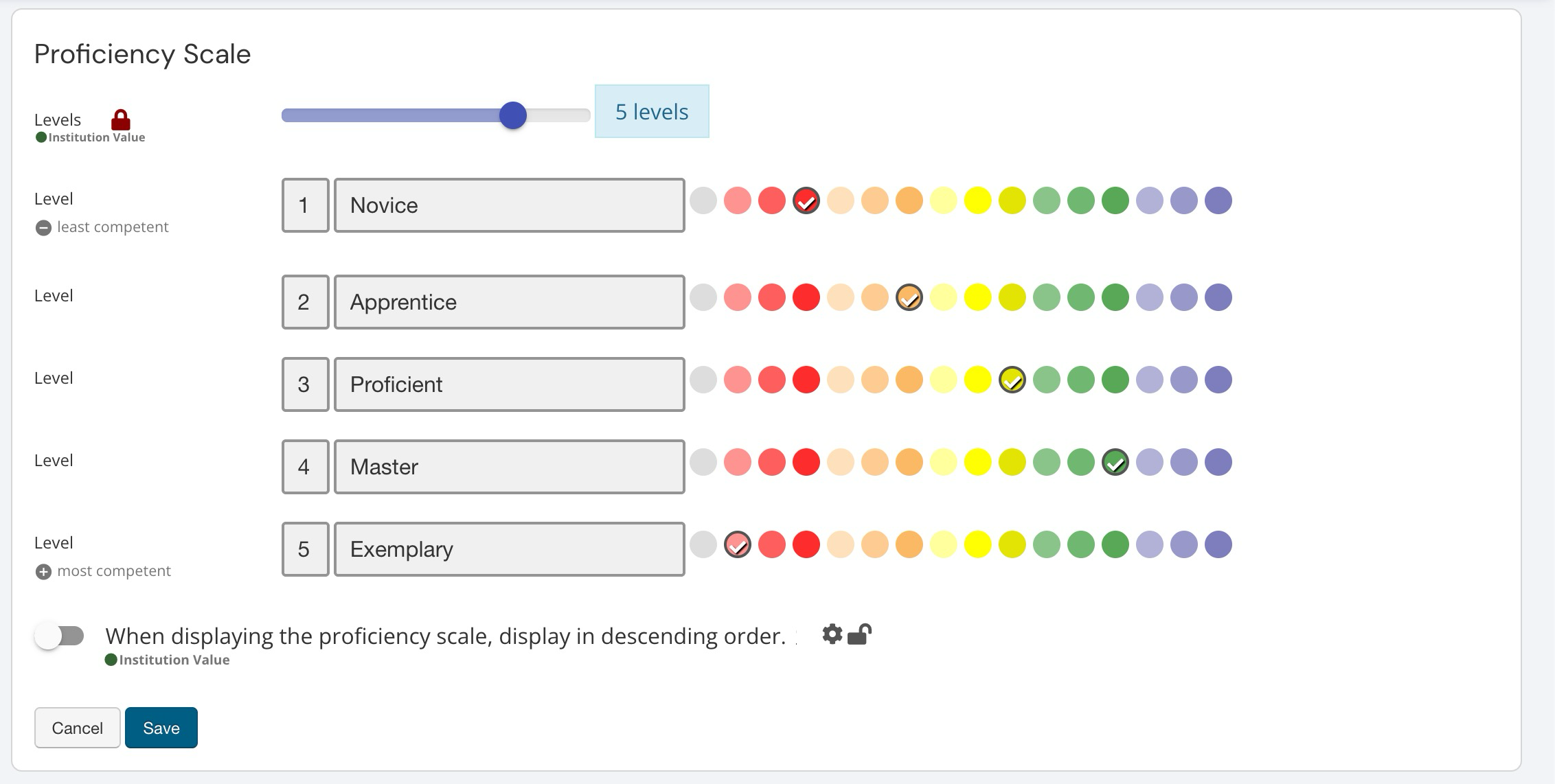
Proficiency Scale
The scale defines the performance levels an Institution uses to interpret and communicate student achievement, from developing proficiency to mastery. By setting the number of levels, labels, and visual indicators, a consistent standard is established for how results are categorized across programs and reports. This scale also supports clearer decision-making by helping stakeholders quickly understand how performance is trending over time. Learn more.
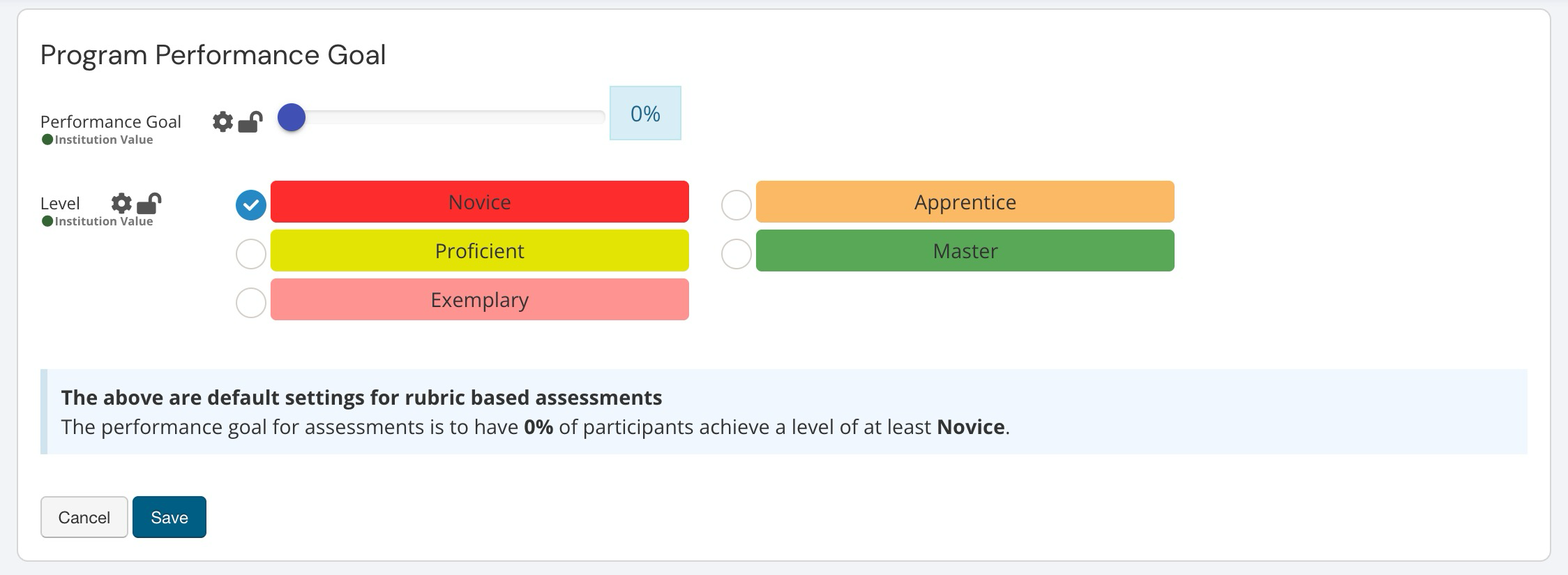
Program Performance Goal
Performance goal settings define what “success” looks like for program-level assessment by setting a target percentage of students expected to meet or exceed a selected proficiency level. By establishing a consistent benchmark up front, Institutions can align expectations across programs, support more meaningful reporting, and focus conversations on whether outcomes are being met, not just whether data was collected. Learn more.
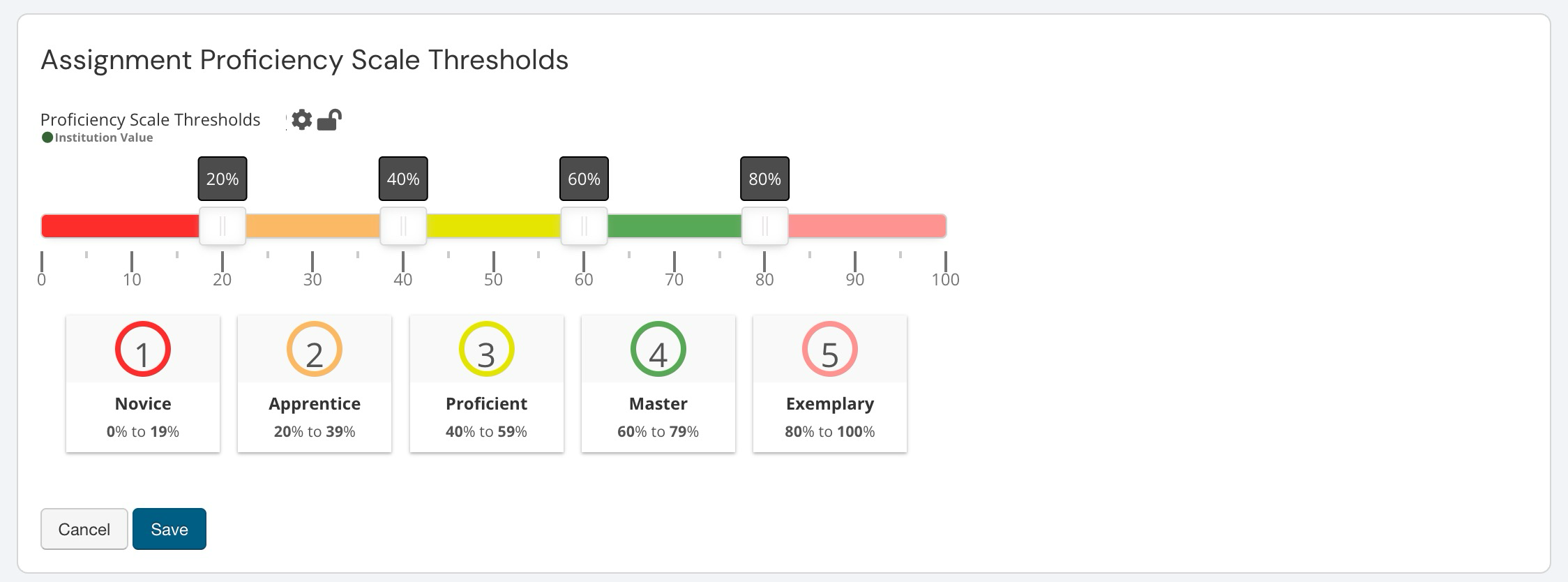
Assignment Proficiency Scale Thresholds
These settings define a default goal based on the Proficiency Scale configuration; this goal is the target that Students will be expected to achieve for program success. Thresholds define how raw assignment scores translate into the proficiency levels used across the platform. Setting the score ranges for each level creates a consistent, Institution-wide standard for interpreting results so reports, dashboards, and assessment conversations reflect the same expectations. This setting is especially helpful when multiple programs and reviewers need a shared understanding of what each proficiency level represents. Learn more.
Assessment and Assignment Settings
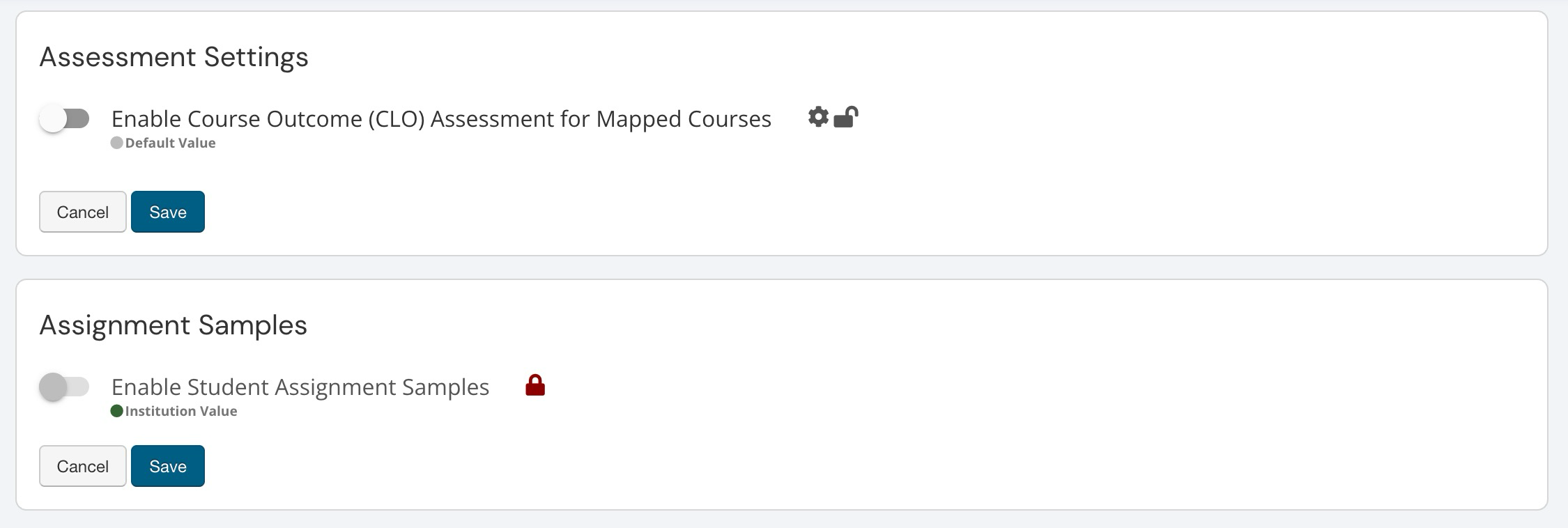
These settings shape how programs collect supporting evidence for assessment. Assessment Settings determine whether Course Learning Outcome (CLO) assessments can still occur for courses mapped to a program undergoing Program Assessment. This helps Institutions align course-level measurement with program-level goals. Assignment Samples controls whether student work samples can be gathered as part of assessment workflows, adding helpful context and artifacts to support review, analysis, and reporting. Learn more.
Course and Program Revision Notifications
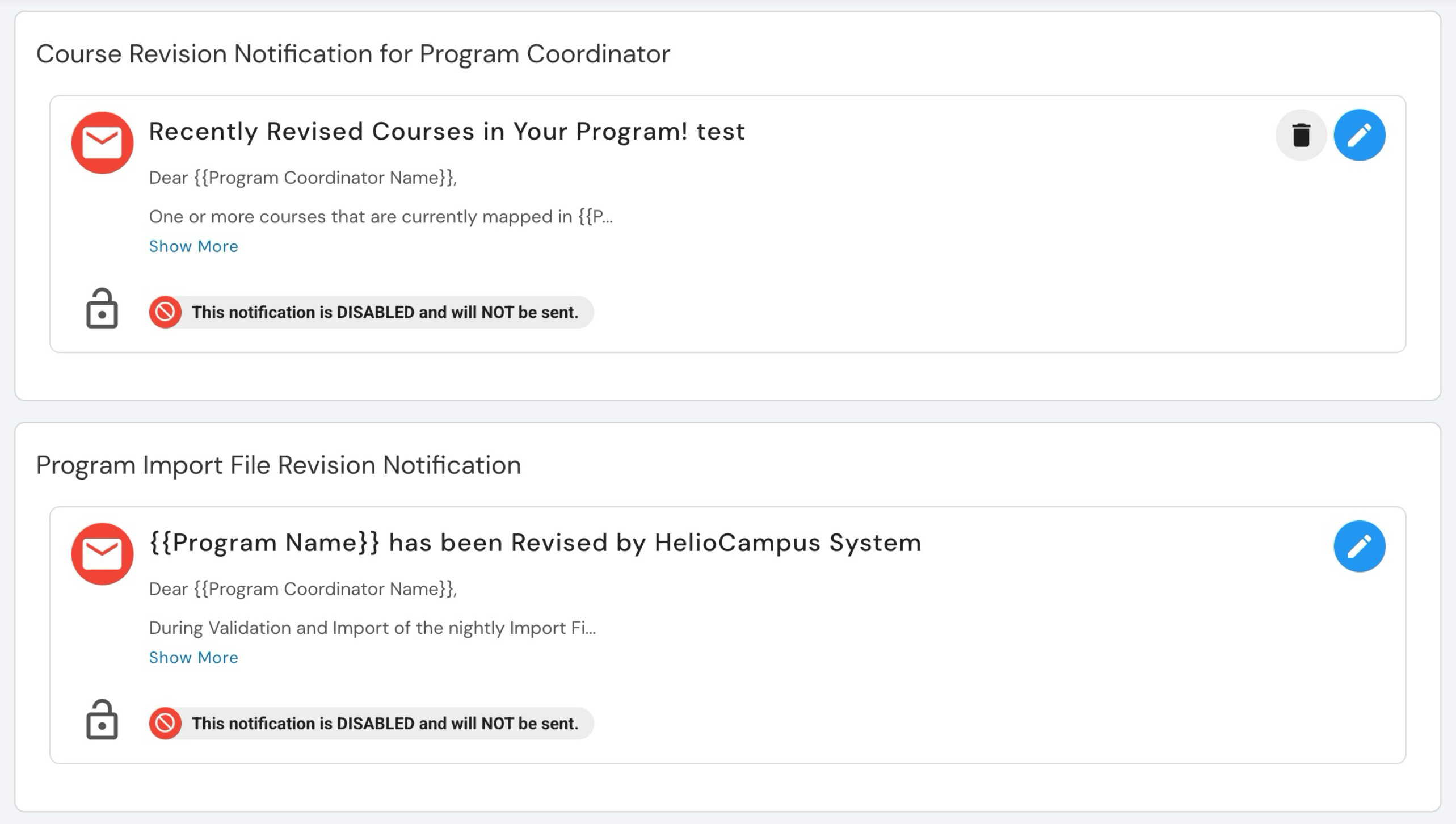
These settings help Institutions manage communication and change awareness when courses tied to a program are updated. The Course Revision Notification and Program Import File Revision Notification settings determine whether coordinators are notified when courses are revised, either through manual updates or automated import processes, helping the right stakeholders stay informed without needing to monitor changes manually. Learn more.
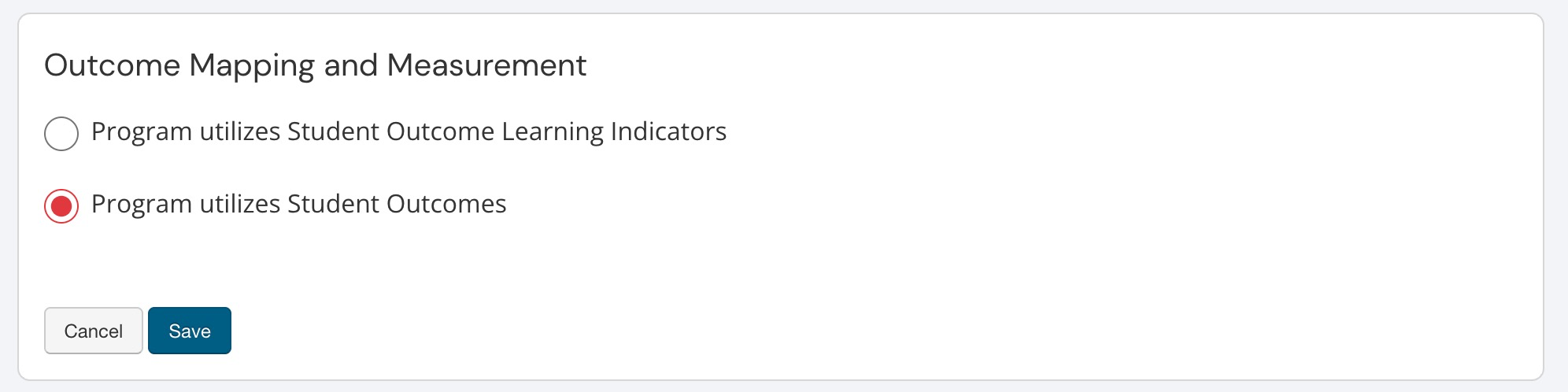
Syllabus Form Settings
Use these settings to set a default syllabus template for programs, control whether syllabi can be shared externally through a public URL, and decide if Instructors can continue editing after a section is published. Together, these settings help Institutions balance consistency and governance with the flexibility instructors need to keep syllabi accurate and up to date. Learn more.