
Survey Settings are configured to support consistent Course Evaluation Survey administration. These settings help determine how course sections are assigned when a survey is created and whether faculty can view participant completion information, allowing Institutions to streamline survey workflows while managing defaults at the appropriate hierarchy level.
Survey configuration affects downstream survey work, including participant assignment, notifications, response monitoring, and reporting. For this reason, Survey Settings are often used to balance two competing needs:
-
Operational Efficiency: Automatically including the expected course sections when a Course Evaluation Survey is created.
-
Participant Privacy: Giving faculty appropriate visibility into survey completion while protecting the confidentiality of participant responses.
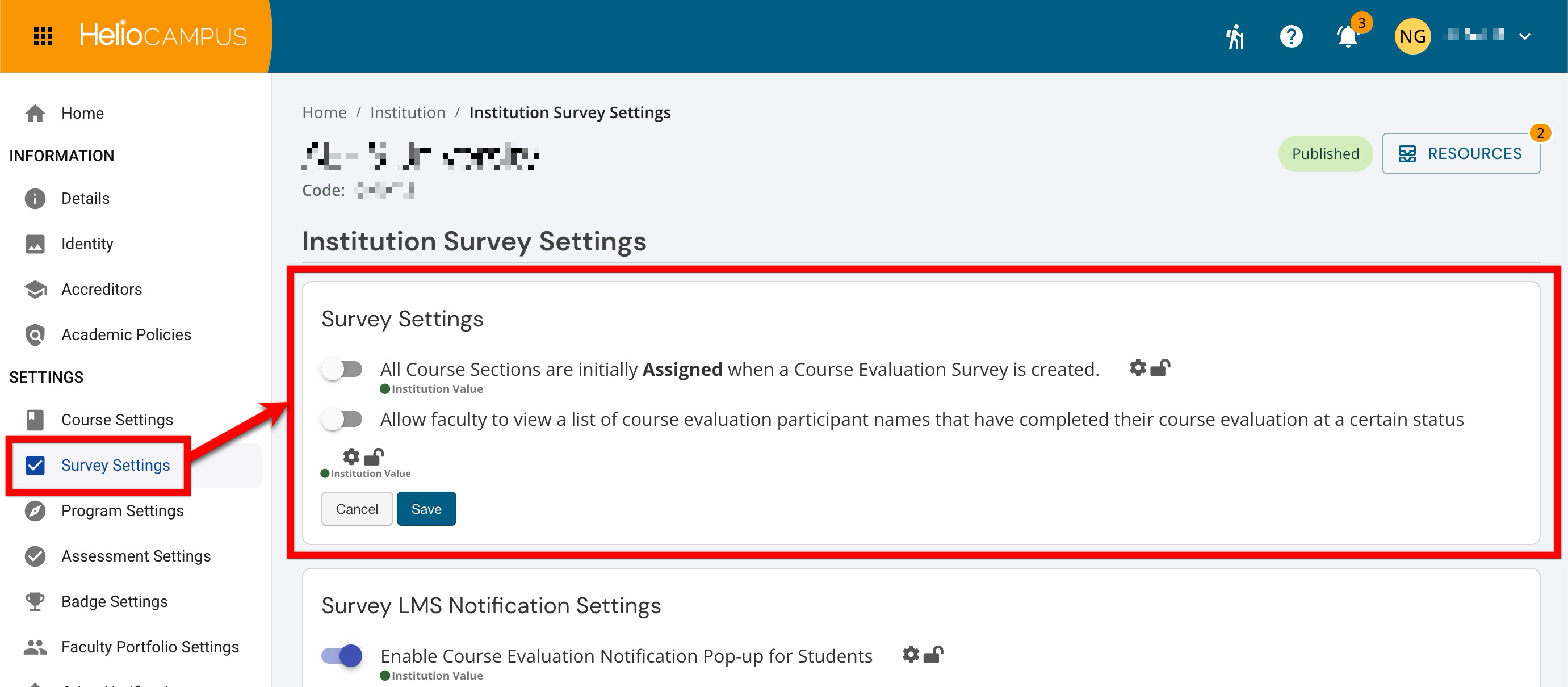
Settings can be locked at a higher level to prevent configuration at lower levels and apply defaults and governance at the appropriate hierarchy level. For example, if an assessment evaluation setting is enabled and locked at the Institution level, Colleges, Departments, Administrative Divisions, and Administrative Units inherit that configuration and cannot change it. If lower-level flexibility is permitted, units may configure settings to support their own assessment practices. Learn more.
Downstream Impacts
-
Survey Assignment Scope: Enabling automatic assignment adds all eligible course sections to each newly created Course Evaluation Survey, increasing survey coverage and reducing manual assignment.
-
Participant and Faculty Communications: A larger assignment scope may increase the number of invitations, reminders, and other survey notifications generated.
-
Administrative Workload: Automatic assignment may require administrators to review and remove sections that should not participate, such as independent studies, low-enrollment sections, or other excluded course types.
-
Reporting and Response Monitoring: Including more sections affects response-rate calculations, completion monitoring, audit reports, and the volume of results available for review.
Considerations
-
Eligibility Criteria: Determine whether to assign every course section automatically or apply institutional exclusions.
-
Privacy and Anonymity: Clearly distinguish between viewing completion status and viewing evaluation responses, and confirm that the settings align with institutional privacy policies.
-
Faculty Access Timing: Decide when faculty may view participant names and whether access could affect participation or perceived confidentiality.
-
Governance: Consider whether these settings should remain locked at the institutional level or allow variation among colleges, departments, or programs.
Best Practices
-
Establish and document institution-wide criteria for including and excluding course sections.
-
Validate course section data before creating each evaluation cycle.
-
Review automatically assigned sections before distributing participant notifications.
-
Communicate clearly that completion visibility does not provide access to identifiable survey responses.
-
Limit name-level completion access to the minimum survey status and audience necessary.
-
Apply the settings consistently across comparable survey cycles to support reliable reporting.
-
Periodically review assignments, response rates, faculty feedback, and support questions to determine whether the settings remain appropriate.
All Course Sections Are Initially Assigned…
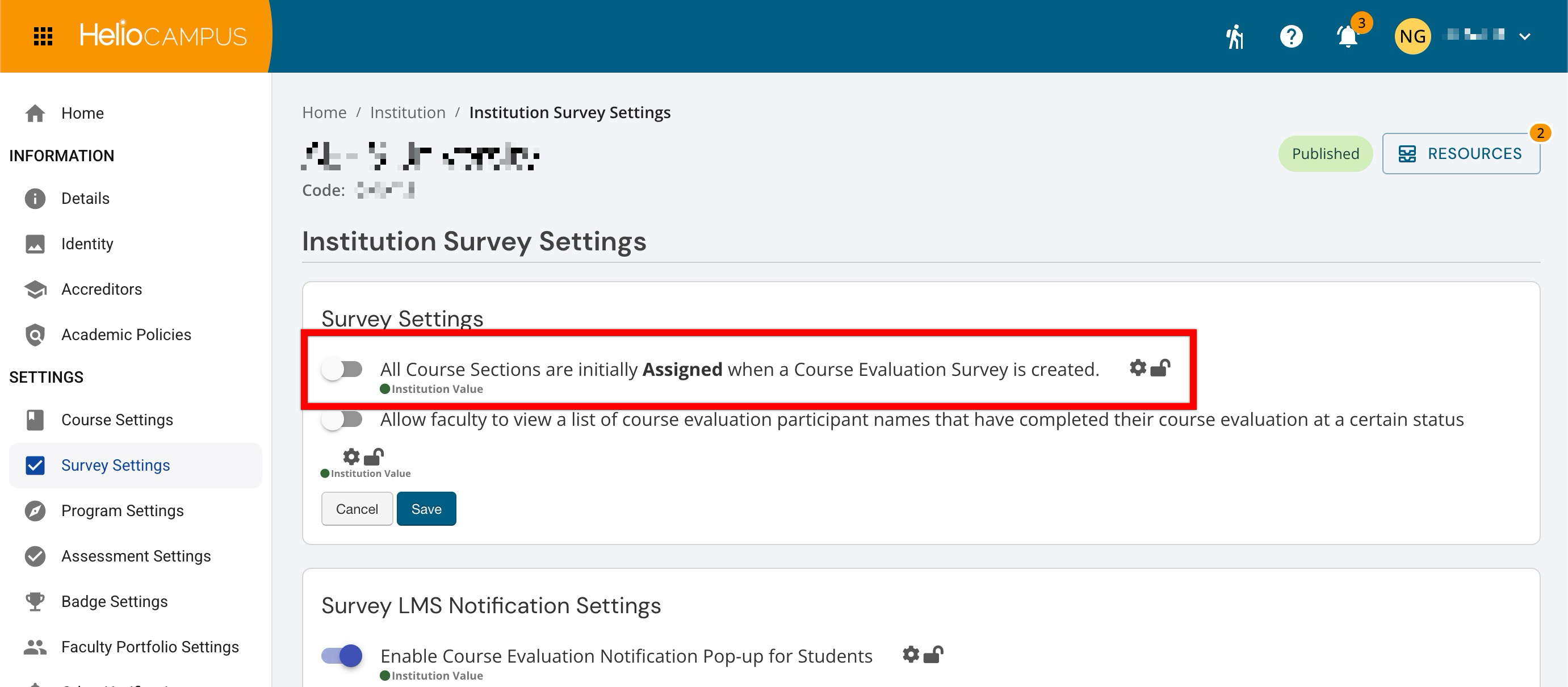
This setting determines whether every eligible course section is automatically included when a new Course Evaluation Survey is created. Use it to streamline survey setup when most or all sections should participate by default, while still allowing administrators to review assignments and remove sections that should be excluded. If an Institution needs tighter control over which sections are evaluated, leave this setting disabled and assign sections manually during survey creation.
|
Enabled |
All eligible course sections are automatically assigned to each newly created Course Evaluation Survey. Administrators do not need to add sections manually, but they should review the assigned sections and remove any that should be excluded. |
|
Disabled |
Course sections are not automatically assigned when a Course Evaluation Survey is created. Administrators must manually select and add the sections that should participate, which provides more control but requires additional setup. |
Allow Faculty To View a List of Course Evaluation…
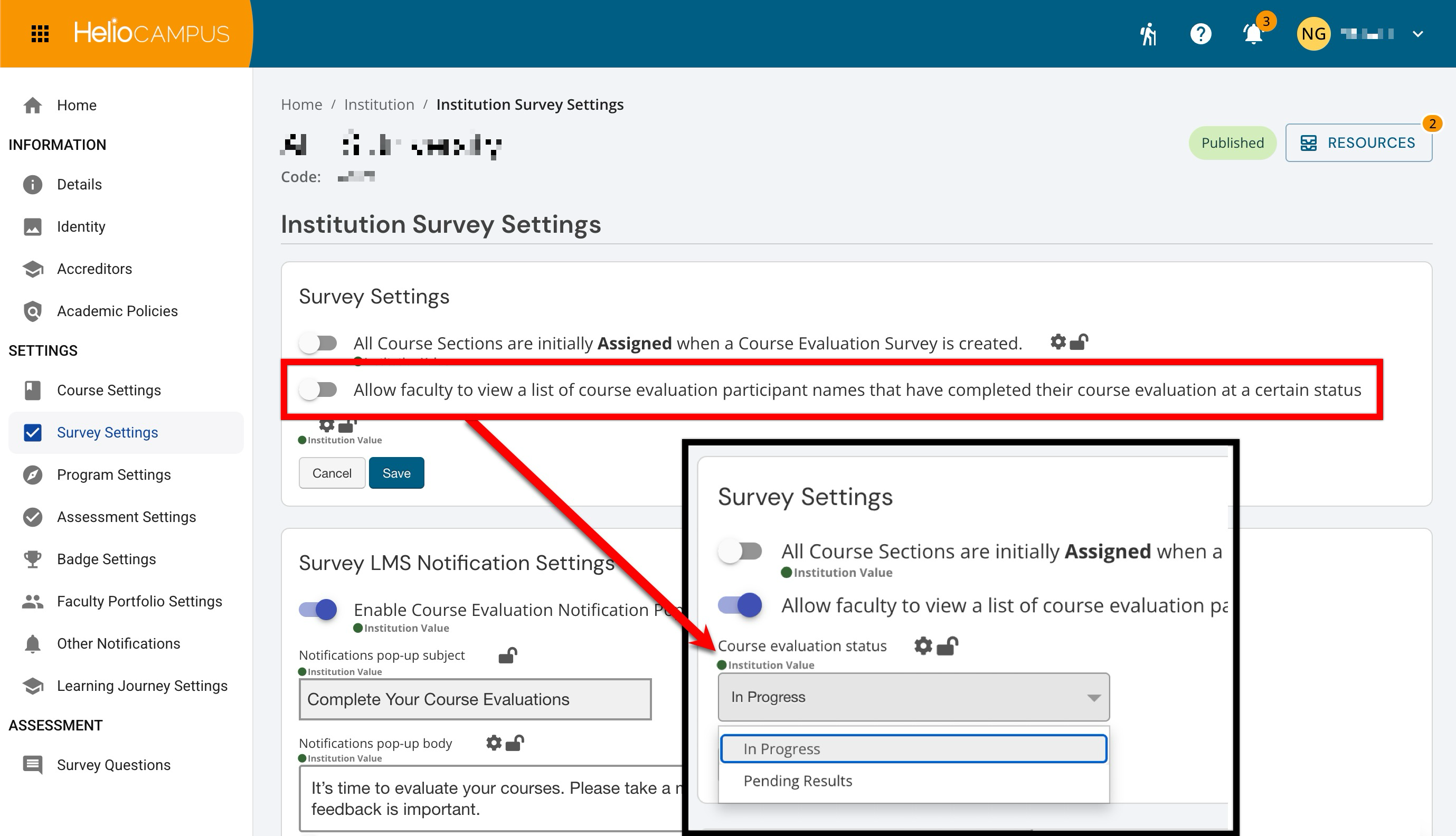
This setting determines whether faculty can view a list of participants associated with a Course Evaluation Survey once it reaches a defined status. Use this setting when faculty need visibility into who has completed the evaluation for follow-up or monitoring, while maintaining appropriate separation between completion information and individual survey responses. If participant anonymity or perceived confidentiality is a concern, leave this setting disabled so faculty cannot view participant names or completion status.
|
Enabled |
When enabled, a status must be selected. Once the selected status is reached, faculty can view the list of participants for a Course Evaluation Survey and see whether each participant has completed the evaluation. This can support targeted follow-up, but Institutions should confirm that this visibility aligns with privacy expectations and communication practices. |
|
Disabled |
Faculty cannot view participant names or completion status for a Course Evaluation Survey. This helps preserve participant confidentiality and reduces the risk that faculty could perceive evaluation activity as identifiable. |