Use these notifications to standardize how assessors are notified about Juried Assessment scoring activity and scorer-queue status changes. These notifications control whether assessors are invited to begin scoring, reminded to complete assigned scoring, and informed when their scoring queue is paused or re-enabled as part of assessor reliability workflows. When enabled, these notifications provide proactive visibility into scoring expectations, deadlines, and queue availability, reducing reliance on manual follow-up and helping Institutions manage Juried Assessment activity consistently.
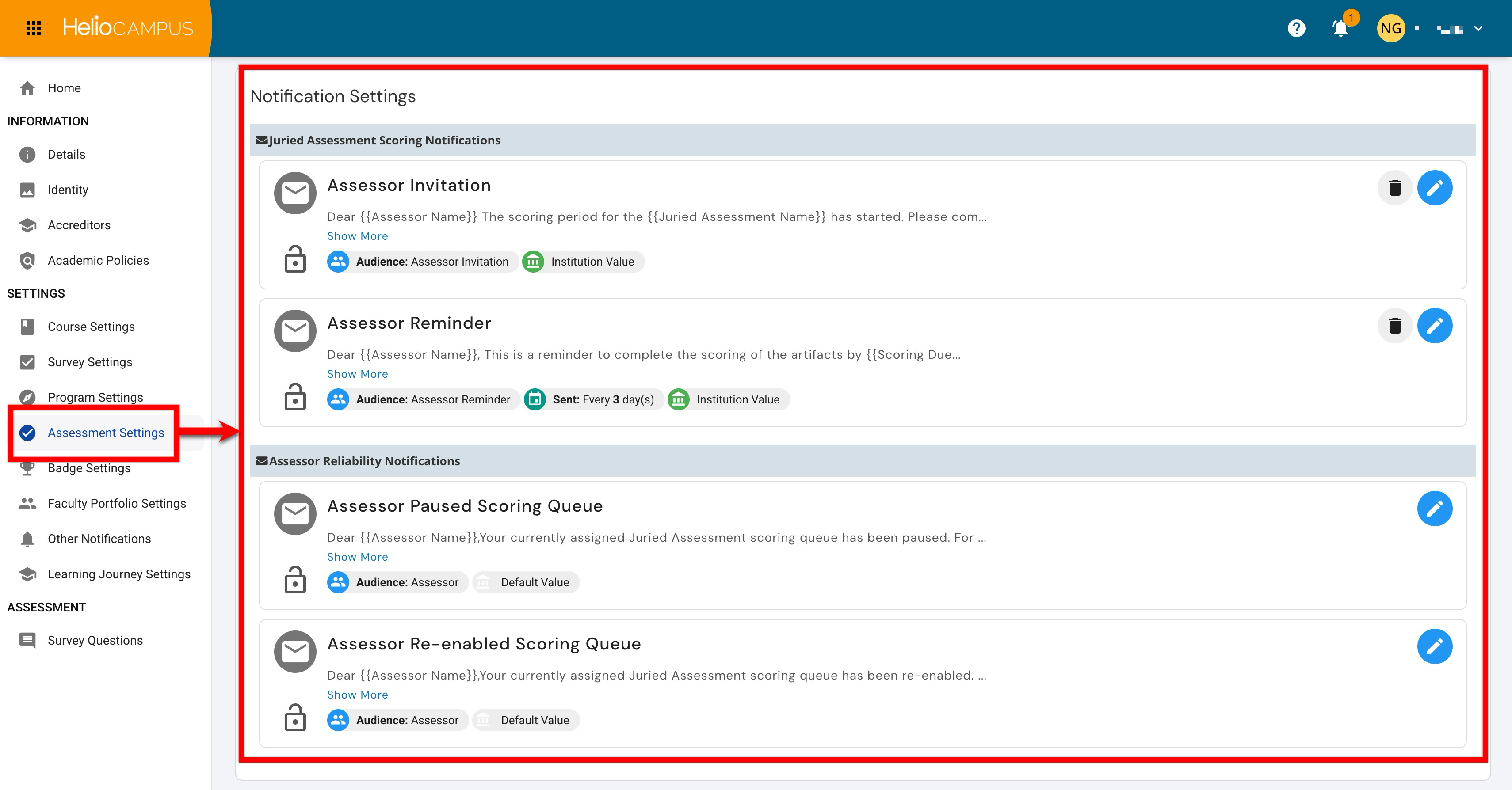
Downstream Impacts
-
Scoring Awareness: Assessors gain timely visibility into when a Juried Assessment scoring period has started and when action is required.
-
Completion Support: Reminder notifications help assessors complete assigned scoring before the scoring due date, reducing the need for manual follow-up.
-
Reliability Workflow Transparency: Reliability notifications clarify when an assessor’s scoring queue has been paused or re-enabled, helping assessors understand why scoring access may have changed.
-
Operational Consistency: Standardized notifications help Institutions apply the same communication model across Juried Assessment projects, reducing variability in how assessors are contacted and informed.
-
Assessment Progress Monitoring: Timely notifications can support smoother scoring cycles by helping assessment administrators keep scoring activity moving toward completion.
Considerations
-
Align Notifications with Expected Actions: Define what assessors should do when they receive each notification, such as begin scoring, complete scoring by the due date, wait for queue re-enablement, or contact an administrator with questions.
-
Coordinate Timing with Scoring Windows: Confirm that scoring-period dates, due dates, and reminder timing align with the institution’s assessment schedule so assessors receive messages when they are most useful.
-
Manage Reminder Frequency: Reminder notifications can increase email volume if sent too often. Institutions should balance timely follow-up with the risk of alert fatigue.
-
Clarify Assessor Reliability Processes: If assessor queues may be paused or re-enabled, establish internal guidance for how those decisions are made and how assessors should interpret these notifications.
-
Review Notification Verbiage: Customize notification language as needed so it reflects institutional terminology, scoring expectations, and support pathways.
Best Practices
-
Ensure reminder notifications reinforce the scoring due date and any related expectations for completion.
-
Include where assessors should go for help if they cannot access their queue, need clarification, or believe a notification was received in error.
-
Make sure administrators understand which notifications are enabled, who receives them, and when they are sent.
-
Review notification previews before enabling or updating them to confirm merge fields, audience labels, and timing details appear as expected.
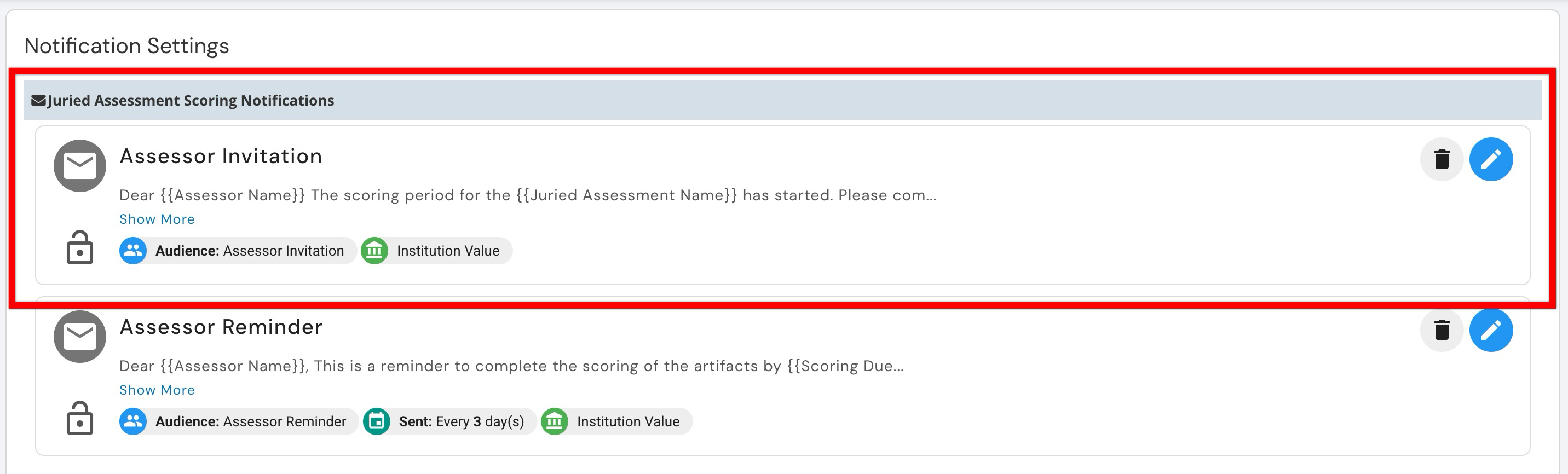
Assessor Invitation
This notification alerts assessors when the scoring period for a juried assessment has started. The notification helps assessors understand that scoring is available and that they should begin reviewing assigned artifacts. This notification supports consistent scoring kickoff communication and reduces the need for administrators to manually notify assessors when a scoring period opens. The notification verbiage is customizable as needed. Learn more about using platform notifications.
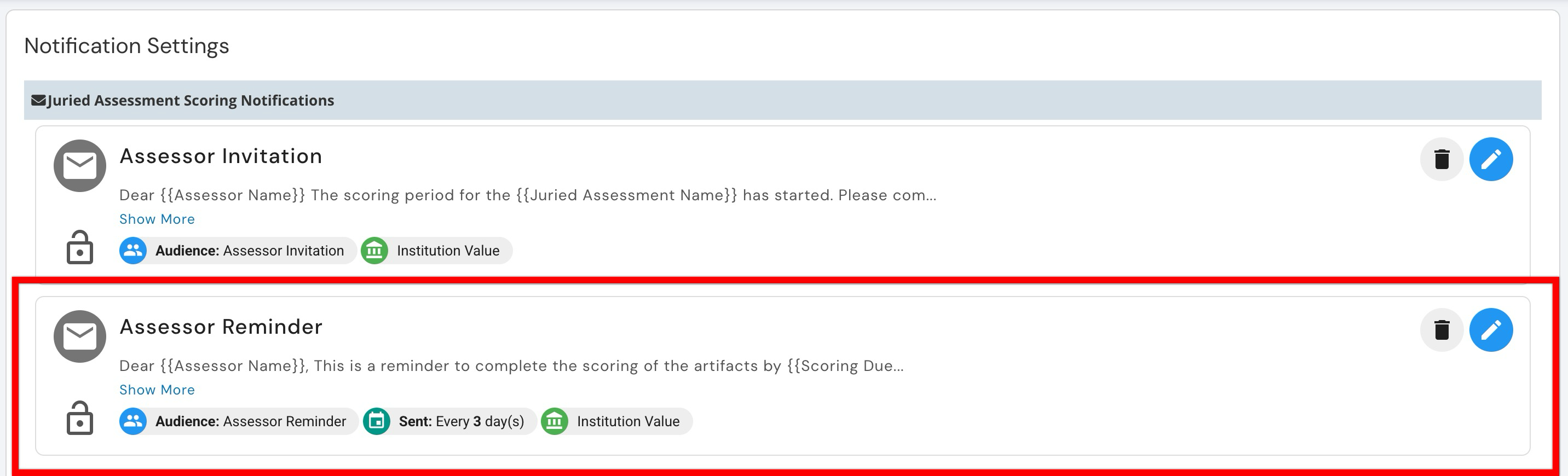
Assessor Reminder
This notification reminds assessors to complete scoring for assigned artifacts by the scoring due date. Reminder timing can be configured, such as sending the notification every three days, depending on institutional preferences and scoring-cycle needs. This notification supports timely scoring completion and helps administrators reduce manual follow-up during active Juried Assessment periods. The notification verbiage is customizable as needed. Learn more about using platform notifications.
Assessor Paused Scoring Queue
This notification informs an assessor that their currently assigned Juried Assessment scoring queue has been paused. The notification supports transparency during assessor reliability workflows by letting the assessor know that scoring access or queue activity has changed. This notification can help reduce confusion when an assessor is no longer able to continue scoring assigned artifacts. The notification verbiage is customizable as needed. Learn more about using platform notifications.
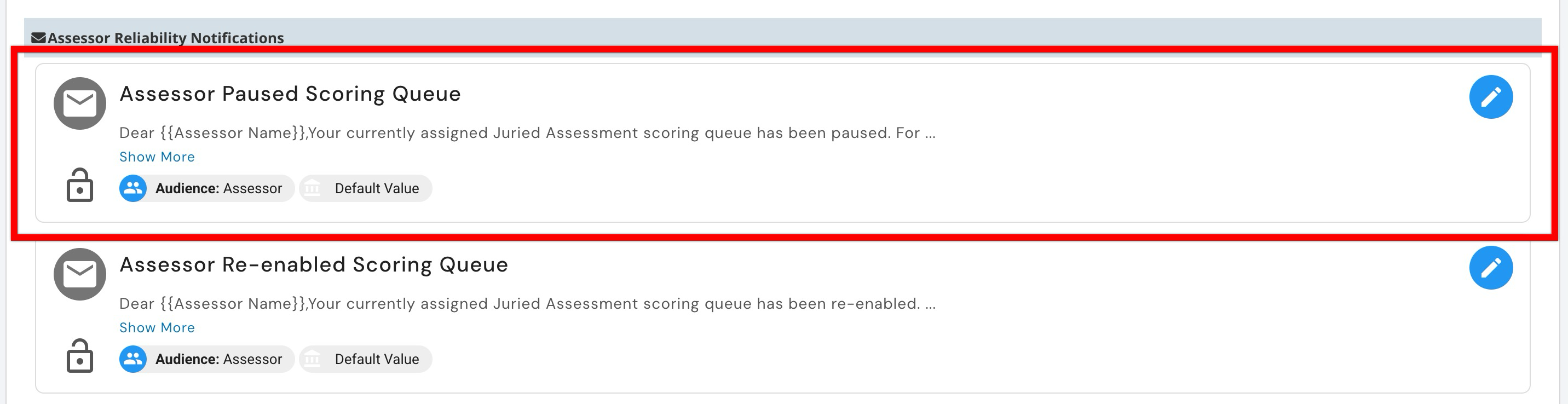
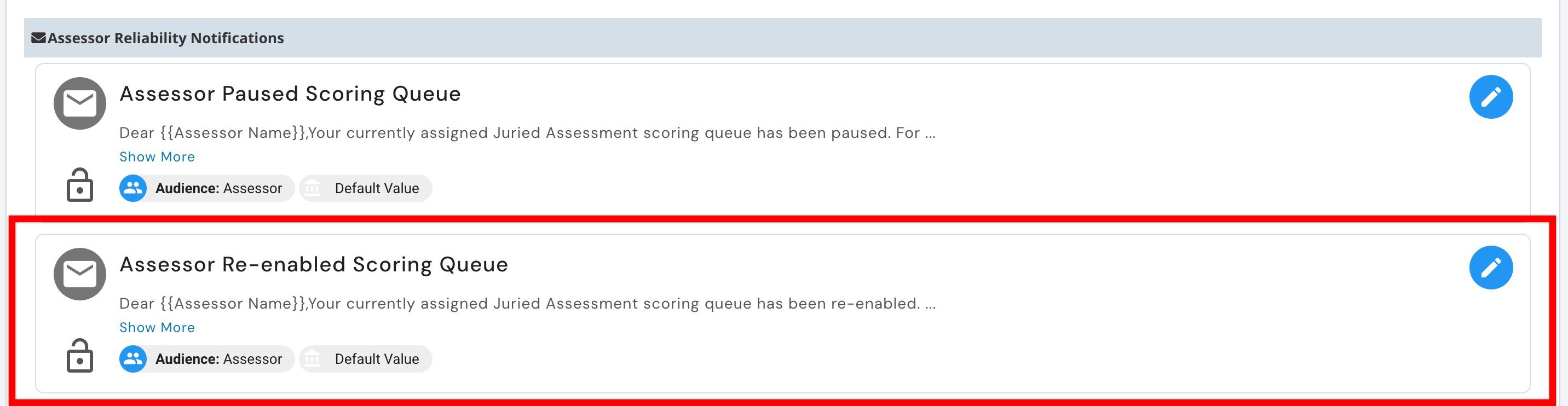
Assessor Re-Enabled Scoring Queue
This notification informs an assessor that their assigned Juried Assessment scoring queue has been re-enabled. The notification helps assessors understand that they may resume scoring after a pause in queue activity. This notification supports clear communication during assessor reliability workflows and helps assessors return to scoring without requiring additional manual outreach from administrators. The notification verbiage is customizable as needed. Learn more about using platform notifications.