
Assessment Evaluation Settings are configured to support consistent assessment setup. These settings help determine how course sections are included when an assessment is created, giving Institutions a way to streamline evaluation workflows while still allowing defaults to be managed at the appropriate hierarchy level.
Assessment setup is foundational to downstream assessment work, including assignment linking, scoring, analysis, reporting, and continuous improvement. For this reason, Assessment Evaluation Settings are often used to balance two competing needs:
-
Operational Efficiency: Enabling assessment work to begin with the expected course sections already included.
-
Administrative Control: Users can intentionally decide whether course sections should be assigned automatically or managed more selectively.
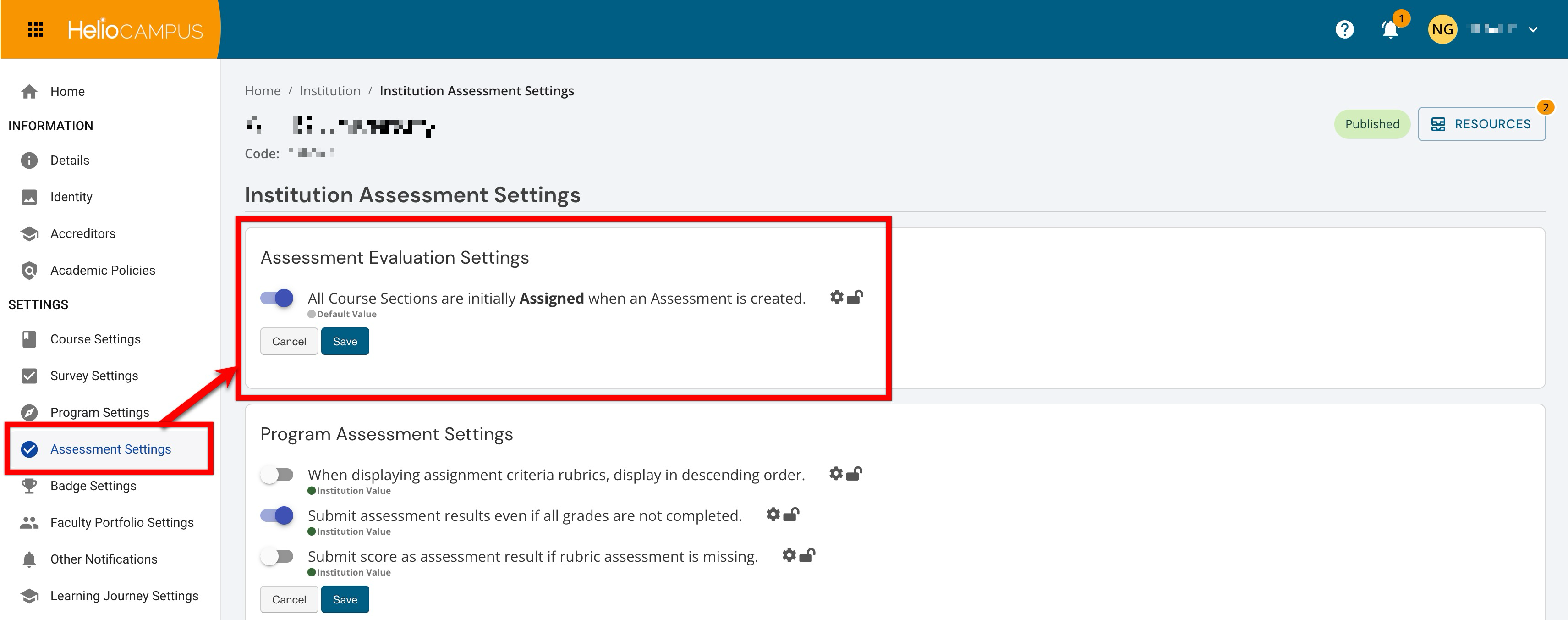
Settings can be locked at a higher level to prevent configuration at lower levels and apply defaults and governance at the appropriate hierarchy level. For example, if an assessment evaluation setting is enabled and locked at the Institution level, Colleges, Departments, Administrative Divisions, and Administrative Units inherit that configuration and cannot change it. If lower-level flexibility is permitted, units may configure settings to support their own assessment practices. Learn more.
Downstream Impacts
-
Assessment Setup Consistency: A clear default for course section assignment helps administrators and assessment leads begin assessment workflows from a predictable starting point.
-
When course sections are automatically assigned at assessment creation, users can spend less time manually preparing the Assessment and more time managing evaluation, scoring, and review.
-
When assignment is handled more selectively, administrators have greater control over which Course Sections participate, which can be helpful when assessment scope varies by unit, term, or reporting need.
-
Considerations
-
Align the Default With Assessment Governance: Before configuring this setting, determine whether assessment participation is typically broad and standardized or selective and managed case by case.
-
Review Lower-Level Needs: Because this setting can be configured across all hierarchy levels, consider what levels need flexibility to manage their own assessment defaults.
-
Plan for Workflow Impact: Automatic assignment can reduce setup time, but Institutions should still confirm that users understand how course sections are included and when manual review may be needed.
Best Practices
-
Enable automatic assignment when most or all course sections are expected to participate in assessment workflows. This supports a faster setup process and reduces the risk of missing course sections that should be included.
-
Use hierarchy-level configuration intentionally. Institution-level defaults are useful for broad standardization, while lower-level configuration can support local assessment practices when variation is expected.
-
Communicate the expected assessment setup process to assessment administrators and coordinators so they understand whether course sections will be assigned automatically or reviewed manually.
-
Revisit this setting before major assessment cycles to confirm that the selected default still supports current institutional processes and reporting expectations.
All Course Sections Are Initially Assigned When an Assessment Is Created
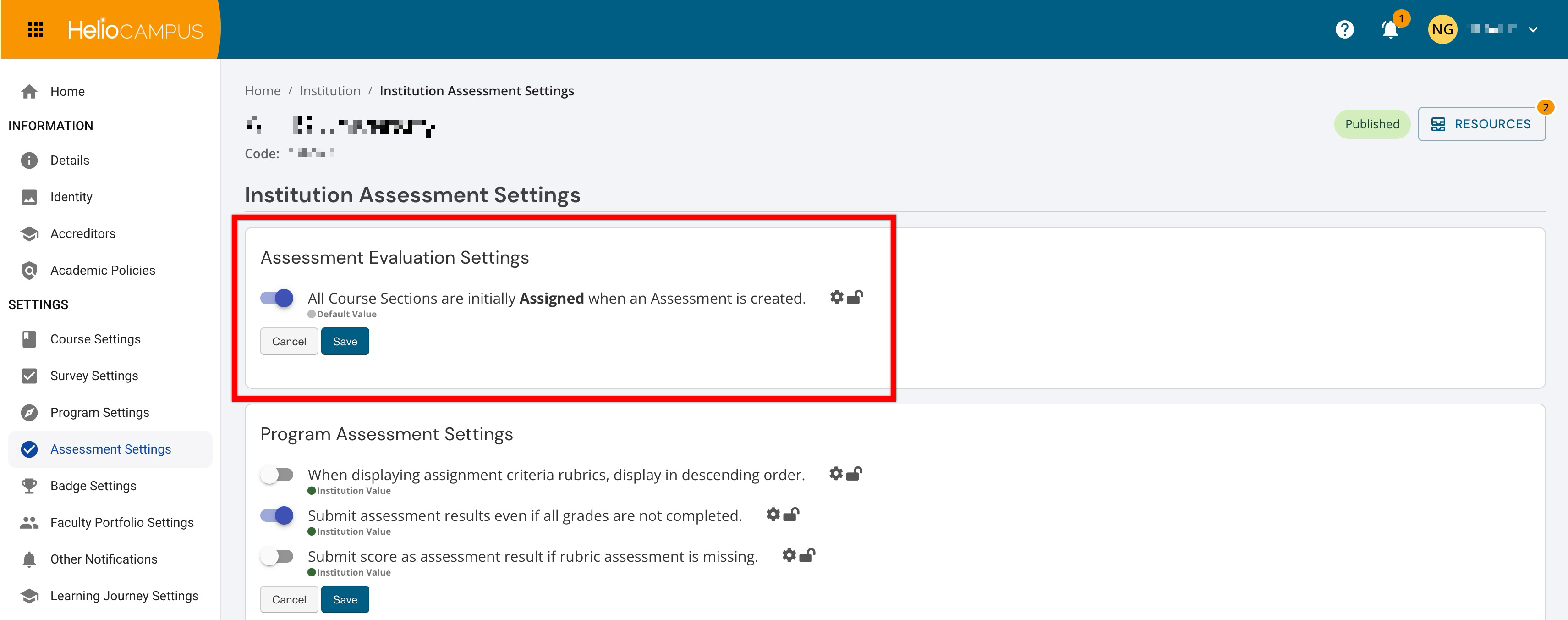
Admin-level users can set hierarchy-level defaults that control whether course sections are automatically assigned when a new assessment is created.
|
Enabled |
When enabled, all course sections are initially assigned when an assessment is created. This supports a streamlined setup process by including course sections by default, reducing the amount of manual assignment required before assessment work begins. Users can then review the assessment and make adjustments as needed based on the intended scope of the assessment activity. |
|
Disabled |
When disabled, course sections are not automatically assigned when an assessment is created. This supports a more controlled setup process when administrators need to determine participation more selectively. In practice, this is useful when assessment scope varies across units, terms, or specific assessment activities and course sections should be intentionally added after creation. |